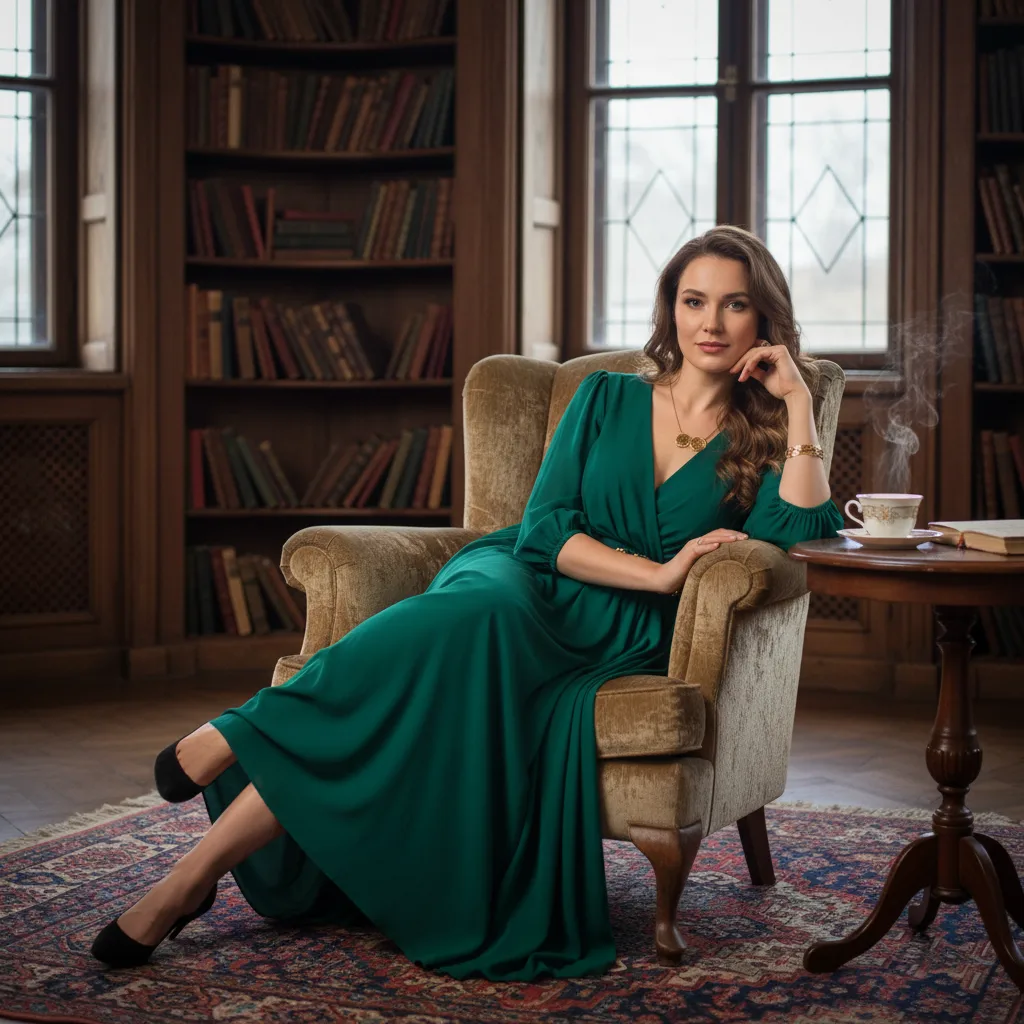
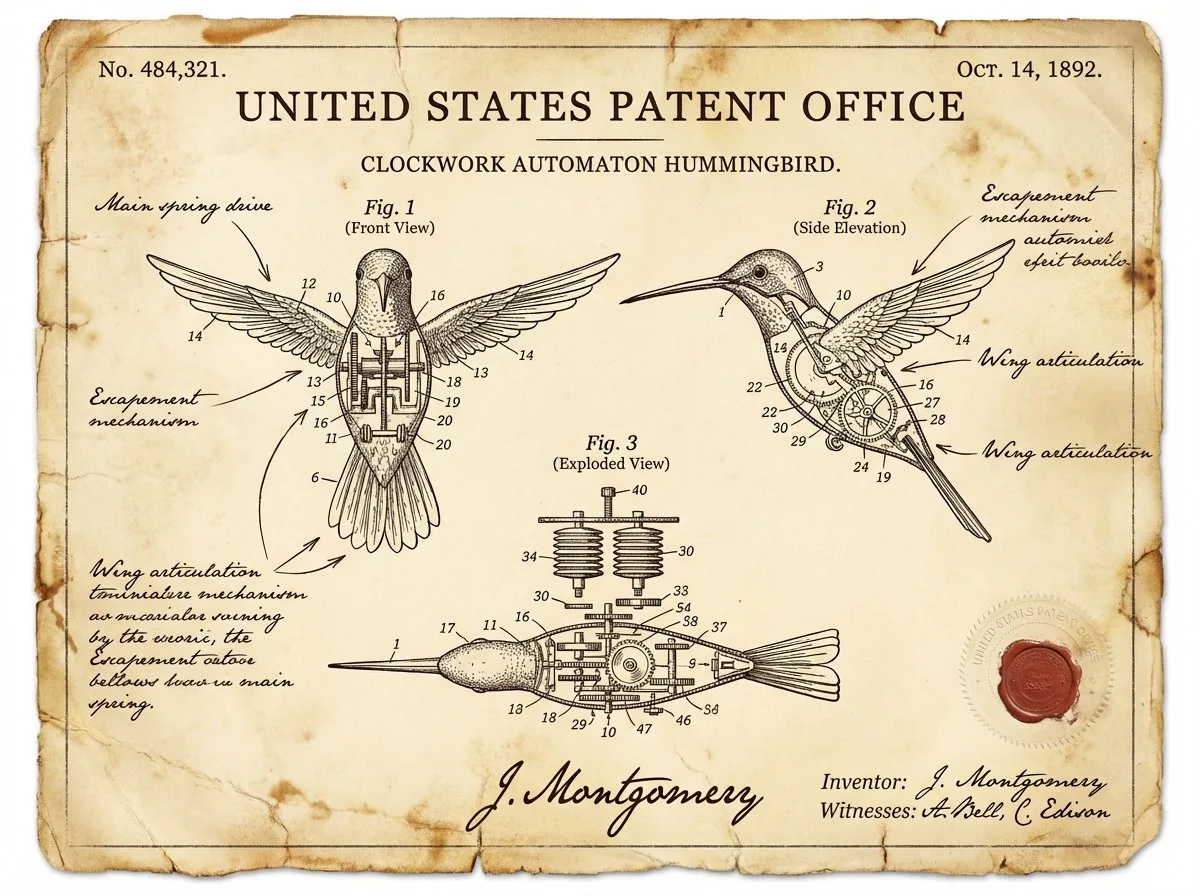
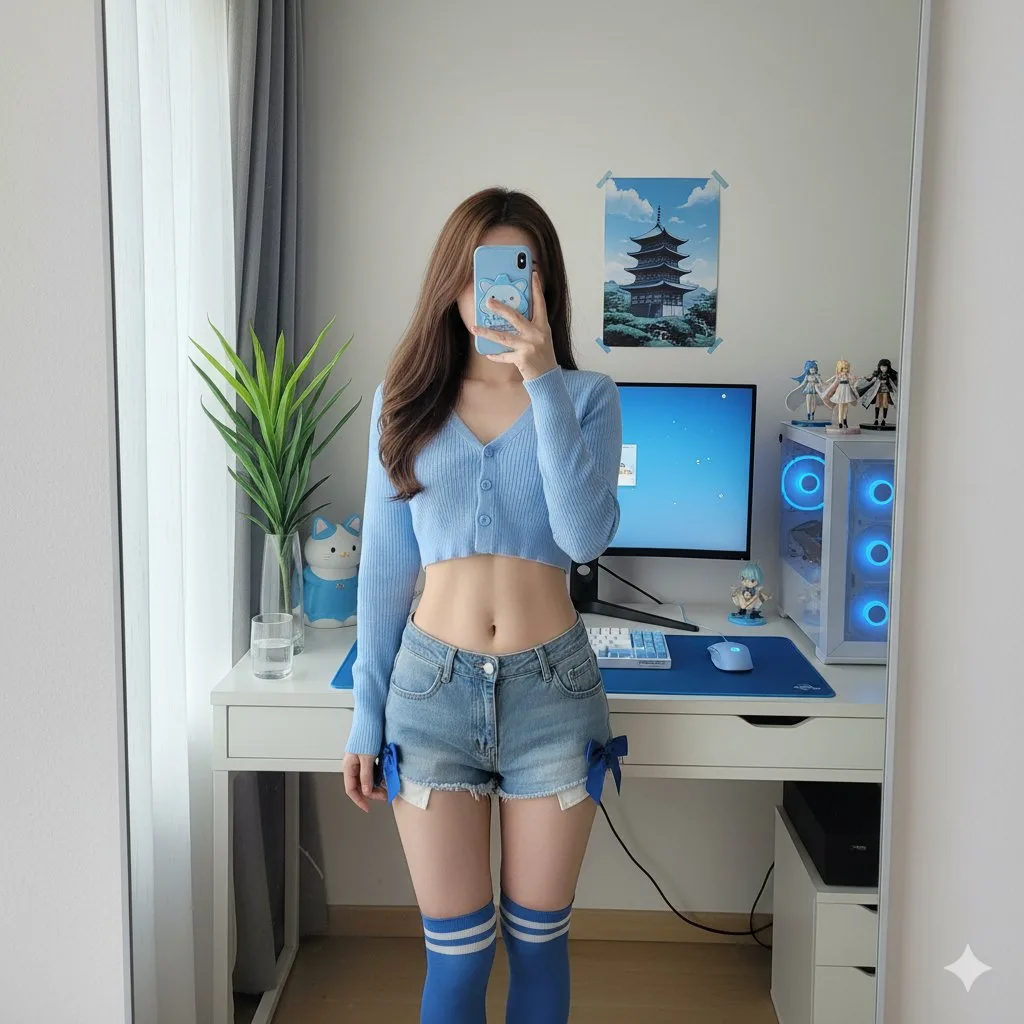
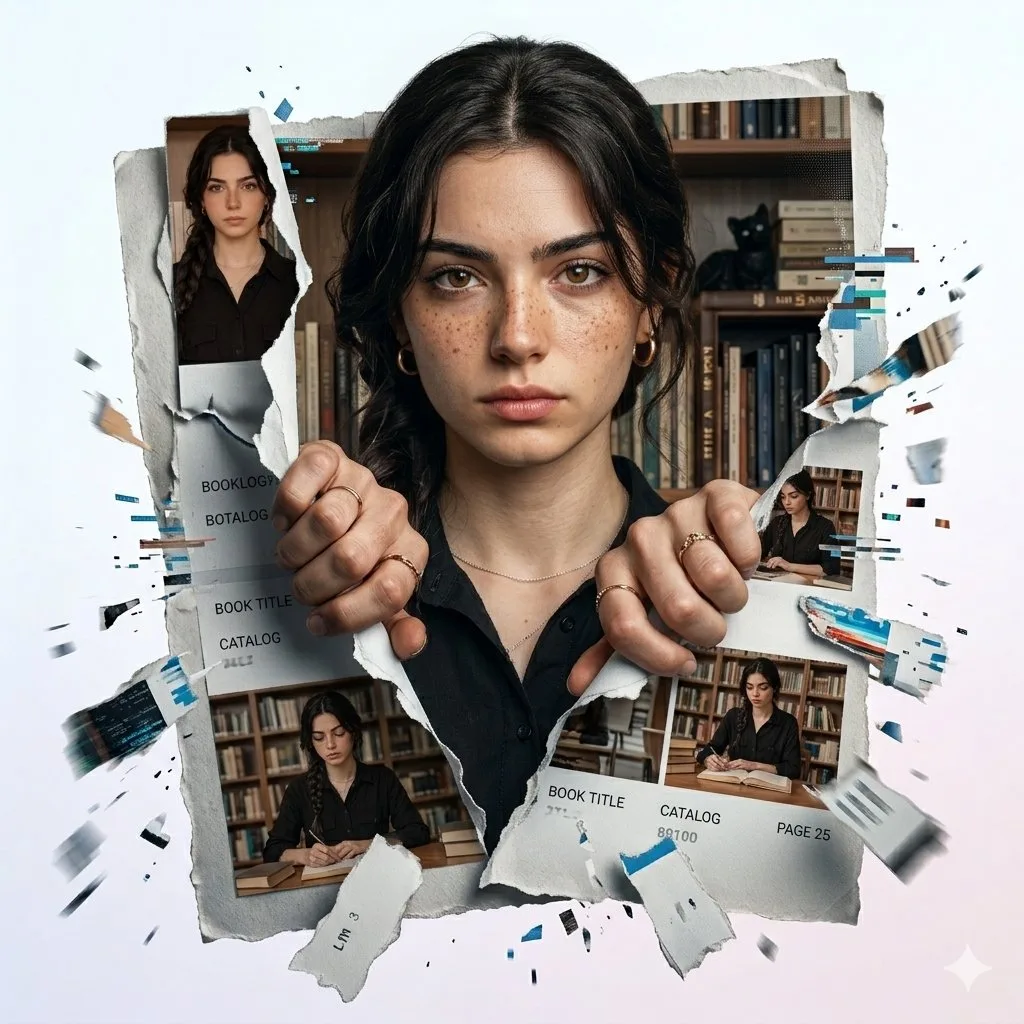
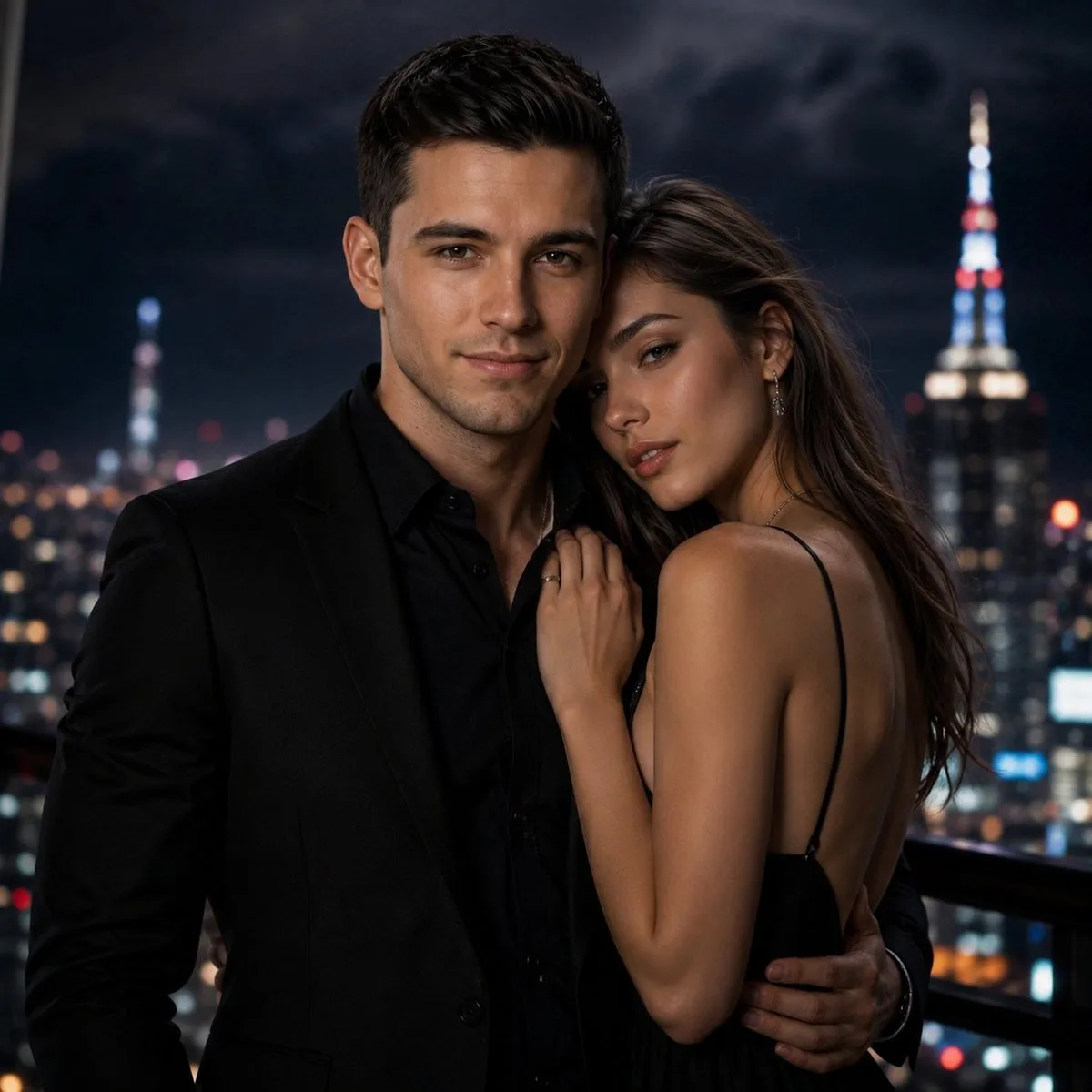
Creative directions
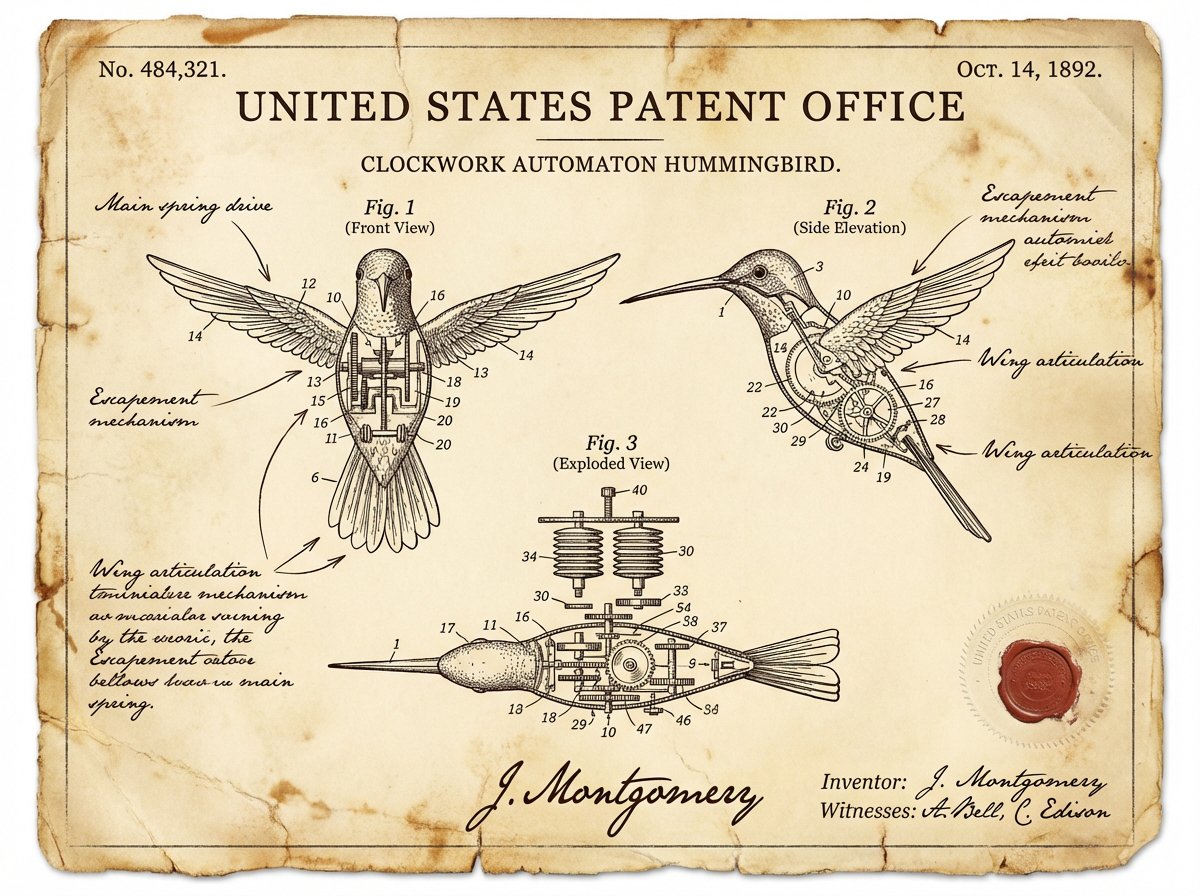
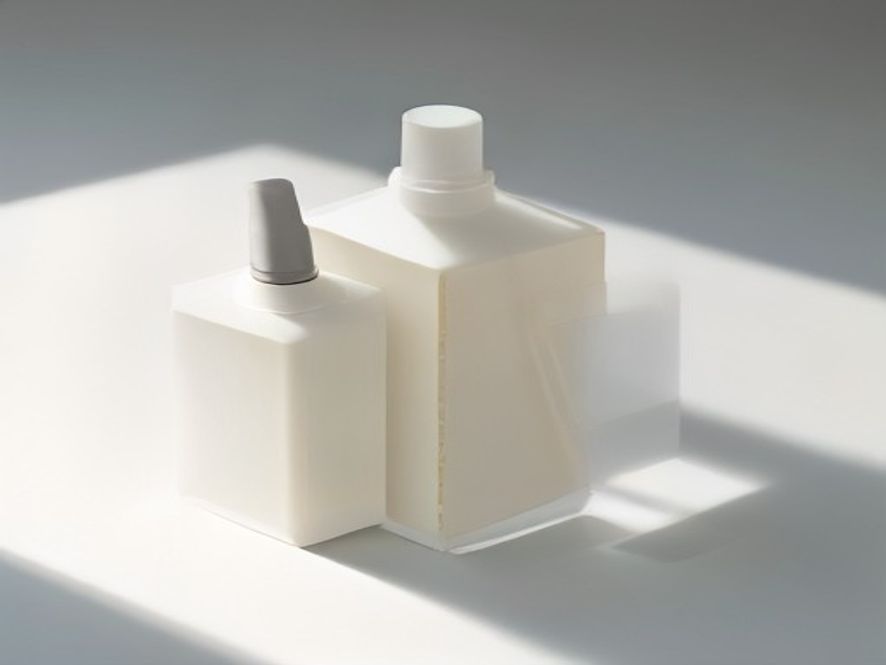
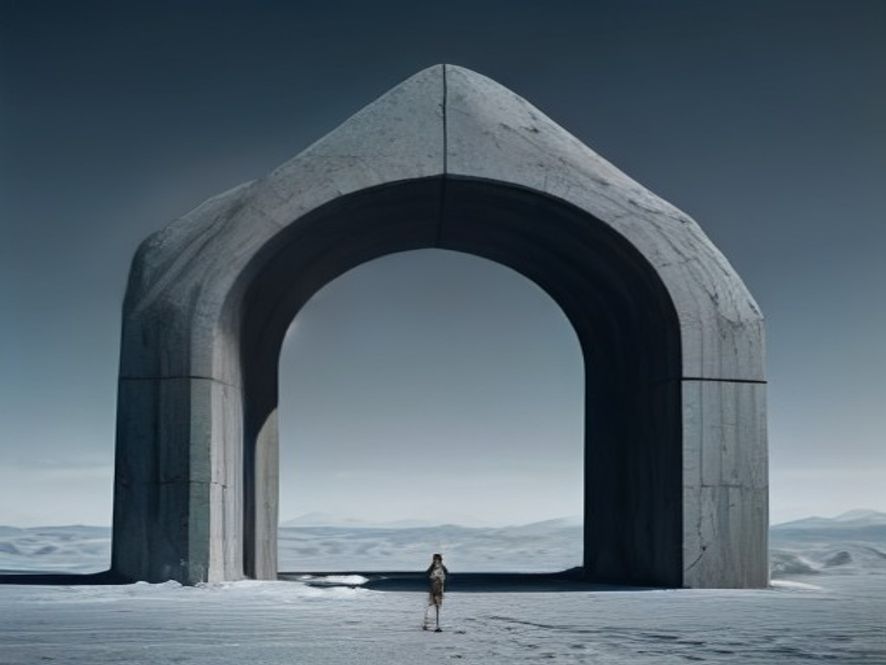
AI Image Creator visual gallery
Illustrative creative directions shown for inspiration. They are not benchmark outputs for the selected model.
Key capabilities and supported inputs
Build a clearer brief with AI Image Creator
A useful result starts with a useful direction. AI Image Creator works best when you identify the subject, setting, visual mood, light, framing, and intended channel. That structure makes a prompt easier to improve and makes comparisons between versions more meaningful.
Choose the model for the job
UNIIMG keeps compatible models in one creation surface, so you can choose an option that fits the task. Resolution, quality, duration, or image input appears only when that model supports it. This keeps the interface focused and avoids suggesting unavailable capabilities.
Use references when precision matters
Text describes intent; a reference can establish the look, composition, product detail, or opening visual more directly. In image-input mode, add only images that guide the next result and pair them with a concise instruction. AI Image Creator keeps each new direction connected to the visual information your brief depends on.
Where this model fits
Campaign exploration
AI Image Creator helps a marketing team test visual territory before committing to a final asset. Explore product moments, seasonal concepts, editorial scenes, or launch directions, then bring the strongest options into an existing review process.
Product and brand storytelling
When a product story needs a new setting or visual angle, start from a detailed brief and a reference where appropriate. The goal is to make the first visual conversation concrete sooner, so product, brand, and creative teams can react to the same image or clip.
Content planning
Creators can use AI Image Creator to shape repeatable directions for posts, thumbnails, stories, and promotional moments. Decide the message and audience first, then use each generation to test framing and tone. Consistent naming also makes an idea easier to revisit.
Questions about this model
What is AI Image Creator?+
AI Image Creator is a UNIIMG creation surface for turning a text direction, and where supported an image reference, into a new visual result. The controls adapt to the selected model, so the page shows only meaningful modes and parameters.
How do I get better results with AI Image Creator?+
Start with one concrete subject and outcome, then add only details that change composition, mood, light, movement, or finish. If a reference is supported, use a clear image with an important visual fact. Review the first result and revise the most important difference.
Can I use an image as input?+
When Image to Image or Image to Video is available, upload an image that you own or have permission to edit. UNIIMG uploads the image before sending the approved URL to the selected model. The upload control will not appear for a model mode that does not support an image input.
How are credits calculated?+
The visible quote is calculated on the server from the selected model and its allowed options. Resolution, quality, and video duration can affect the cost when those controls are available. The final charge uses the current model rule, so a browser-side value cannot change the price.
Can I use my result in client or commercial work?+
Use images and references you own or are permitted to edit, and review the output before publishing. Paid UNIIMG plans are designed for commercial creative work; final use should also follow the terms that apply to your project and chosen model.